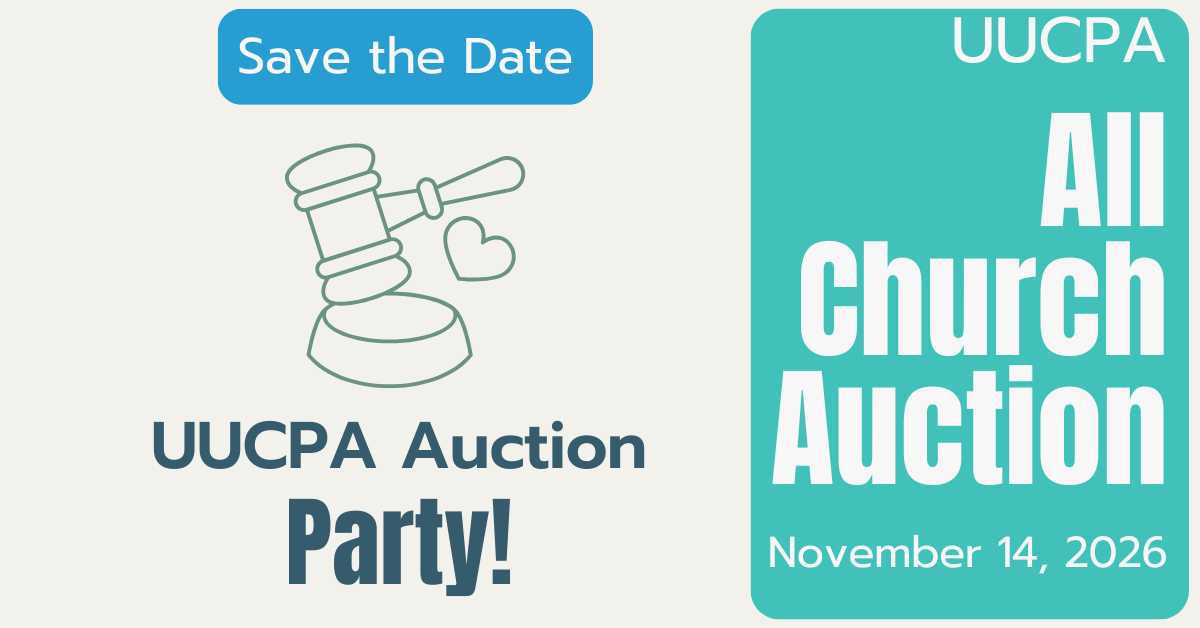
All-Church Auction
Each year in November, the church auctions goods and services at a wonderful (free to attend) party with live music, dancing, food (heavy hors d’oeuvres, balloon lady, live auction for the kids, silent and live auction for everyone!). This year’s auction is November 14, 2026 at 5:30 pm.
Auction News
On this page
Donations
The UUCPA auction is now seeking your donated items! This auction is made possible by the donations of our members. Please start thinking about what you’d like to offer – a party, a lunch, a dinner, an outing, a service, something delicious to eat, something handmade, art, or anything else you can think of. You can offer something by yourself, or with friends, or with an organized group (e.g. Choir, Chalice Circle, Committee, Board of Trustees).
Submit information about your donated item to our auction website: uucpa2026.auctria.events (fueled by Auctria). Or if you prefer, email your item information to auction@uucpa.org.
We’re also seeking items from local vendors. Have any favorite local businesses that you think would make great donors for our auction? Afraid of doing the door-knocking yourself? We get you! Give us your recommendations here (https://forms.gle/oJFpMDCva2ok5PTg6) and the auction team will reach out!
Catalog
You will be able to browse the auction catalog online at our auction website uucpa2026.auctria.events.
The catalog will not be printed.
Bidding
Our auction features two distinct types of items. Review the details below to see how and when you can participate:
1. Silent Auction Items (Online & Mobile)
These items are hosted entirely online, giving everyone a chance to participate whether you are joining us in the room or cheering us on from home!
- How to Bid: Place your bids digitally via your computer, tablet, or mobile device using the website or the Auctria app.
- No Attendance Required: You do not need to attend the in-person event to bid on or win these items.
- Bidding Window: Online and mobile bidding stays open right up until the evening of the main event, closing at approximately 7:30 PM (timing subject to change).
2. Live Auction Items (In-Person Only)
These select marquee items are exclusive to our in-person gathering at UUCPA and cannot be bid on digitally.
- How to Bid: Bidding is strictly voice-led and conducted live in the room by raising your physical bidding paddle.
- The Schedule: Join us on the UUCPA campus! The party kicks off at 5:30 PM with food, live music, a balloon lady, and more. Bidding for the Live Auction items will begin later in the evening at approximately 7:30 PM.
Register to bid
Bidding does require you to register your email address with our auction service provider, Auctria. We recommend that you register prior to the auction to streamline the checkin process. If you participated in a prior UUCPA auction, you may already be registered and can sign in with your password. Please contact auction@uucpa.org if you need help registering or resetting your password.
Step 1: Access the Auction
Choose whichever option you prefer:
- Via Web Browser: Go directly to our official auction site: uucpa2026.auctria.events
- Via Mobile App: Download the Auctria Mobile Bidding app from your phone’s app store (or visit
charityauction.bid/mobile). Open the app, tap Enter Event, and type in our event code: uucpa2026
Step 2: Start Registration (New & Returning Users)
- Click or tap Register and enter your email address, name, and a password.
- Tip: Even if you think you might have signed up or bid in a past year, go ahead and click Register anyway. The system will automatically check your email address.
Step 3: Handle Existing Accounts & Troubleshooting
- If you already have an account: Auctria will recognize your email and seamlessly switch to a sign-in screen to ask for your password.
- If you forgot your password: Click the Forgot Password link on the screen to instantly receive a reset link in your inbox.
- Need help? If you run into any trouble, email us at auction@uucpa.org for assistance. For official step-by-step guides, check out the Auctria App Sign-In Help or the broader Auctria Online Experience Hub.
How to bid
You can bid on silent auction items before and during the auction:
Before the Auction Closes
1. Access the Catalog
- On a Web Browser: Visit our auction site at uucpa2026.auctria.events and click the Catalog menu.
- On the Mobile App: Open the app, enter our event code uucpa2026, and tap the catalog icon.
2. Place Your Bids
- Browse the items at your leisure. Any item currently open for bidding will display a “Bid Now” button.
- Click or tap Bid Now to enter your bidding amount.
- Tip: You can set a Maximum Bid on the website or app. Auctria will automatically place small counter-bids on your behalf up to your secret maximum amount so you don’t have to keep checking back.
3. Register on Your First Bid
- If you haven’t logged in yet, making your first bid will prompt you to register.
- Enter your name, email address, phone number, and address (optional).
- Check your email inbox for a confirmation message from Auctria to verify your account. (If using the mobile app, fully close and reopen the app after verifying to refresh your screen).
At the In-Person Auction Event
1. Bring Your Mobile Device
- For the best experience, please bring your smartphone or tablet to the event! Having your own device allows you to bid instantly on silent/online items, track items seamlessly, and get real-time alerts.
2. Scan QR Codes to Bid
- As you walk around the room looking at silent/online items, you will see physical display sheets.
- Each display sheet features a unique QR Code. Simply scan the QR code with your phone’s camera or the Auctria app to instantly jump to that exact item’s bidding page on your screen.
3. No Smartphone? Use a Shared Computer Station
- If you don’t have a mobile device with you or run into battery issues, don’t worry! We will have a handful of shared computer stations set up around the event space that anyone can use to log in and place bids on the online items.
4. Bidding from Home is Welcome!
- You don’t have to be physically present in the room to participate in the silent/online bidding excitement. Anyone can continue to browse and bid live from home using a desktop computer or mobile web browser at uucpa2026.auctria.events.
5. Note: The Voice-Led “Live Auction” is In-Person and Paddle-Only
- Please note that the voice-led Live Auction segment of the evening is entirely in-person. You will not use your mobile device or the app to bid on Live Auction items. Bidding for these select items will be done strictly by raising your physical bidding paddle in the room.
- If you can’t attend in person, you can bid remotely on silent auction items, but not on live auction items. To bid live, please send someone to attend and bid on your behalf.
6. Watch for “Bid Extensions”
- For the items on the app and website, Auctria uses a feature called “Bid Extension.” If a digital bid is placed in the very final moments of an item’s countdown, the timer for that specific item automatically extends by a few minutes. This ensures everyone gets a fair, transparent chance to counter!
After the Auction Closes
1. Check Your Winnings
- Once the bidding windows officially close, head directly to your “My Account” page on the website or app to see your final invoice and the list of items you have won.
2. Checkout & Payment
- Pay via Credit Card: You can securely pay directly on your account page using a credit card for instant processing.
- Pay via Check: Select the check payment option on the checkout screen and mail or drop off your check to: UUCPA, c/o Auction.
3. Coordinate Delivery & Pick Up
- During checkout, please enter a checkout note to declare your pickup preference if you aren’t picking your items up before you leave.
Volunteer
Yes, we need volunteers. Please contact auction@uucpa.org if you have ideas or even enthusiasm and a few hours to share with us.
Tentative Auction Schedule
Approx 1 Week before the Live Auction: Online bidding begins
On the Live Auction Date, In-person auction at UUCPA:
- 5:30 pm: Silent Auction Bidding, Heavy Hors d’oeuvres, Child care, Balloon Hats, Live Music, and more!
- 6:45 pm: Desserts
- ~7:00 pm: Live Auction for Kids
- 7:30 pm: Silent Auction ends
- ~7:45 pm: Live Auction in the Main Hall
Post-Auction Item Pickup
Most items can be picked up directly after the auction ends (sometime around 9/9:30 p.m. on the night of the auction). Items can also be picked up the day after the live auction in the morning after church. After that, pickup can be arranged by contacting the auction via email: auction@uucpa.org.
Payments
We prefer that you use credit cards to pay for your auction items, but will accept checks mailed to the office if needed.
Paying online via credit card
To pay online, go to the auction website: TBA and log in with your bidder credentials. Go to the My Account link at the upper right corner and follow the steps to make a payment online.
Paying by cash or check
If you want to pay via check, please mail your check to UUCPA 505 East Charleston Road, Palo Alto, CA 94306 and write “UUCPA 2026 Auction” in the memo.
To drop off cash or check payment directly, please contact Jeff at uucpa@uucpa.org to arrange for a time to drop off your payment.
Upcoming Auction Events